Snippets in Windows PowerShell
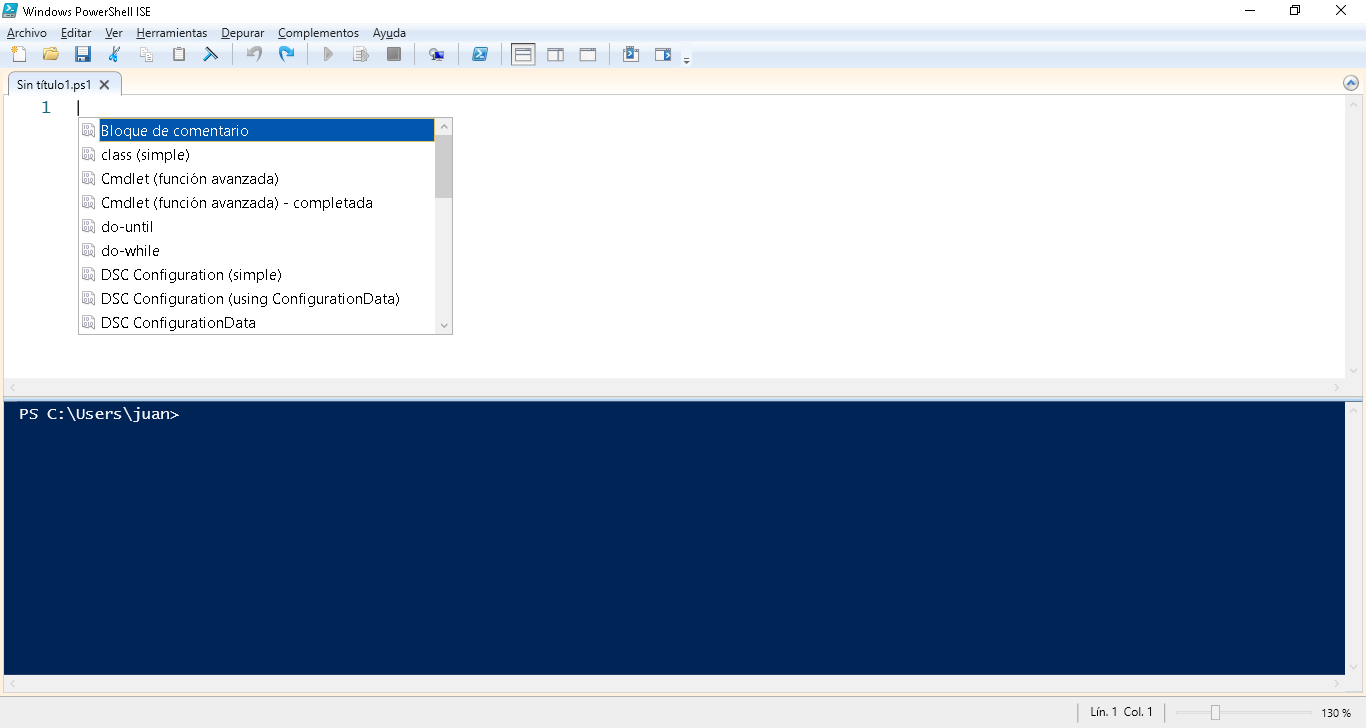
You can list available Snippets by pressing Ctrl+J or selecting «Start Snippets» from the «Edit» menu. Notice that a tooltip displays the actual text which will be inserted, as you move over the selections in the Snippets drop-down. Here’s what it looks like: