Reproducir un archivo de sonido WAV en el sistema operativo Windows llamado a la función PlaySound de la DLL winmm.dll
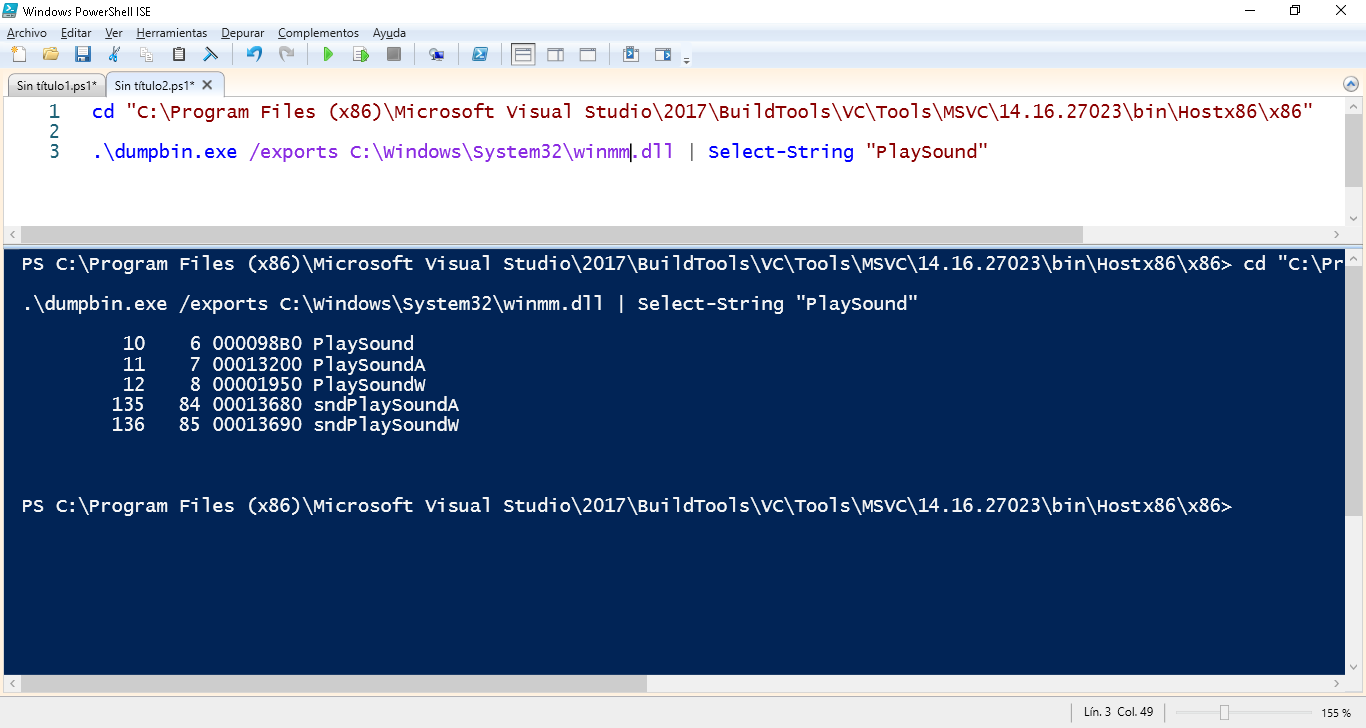
La DLL winmm.dll contiene el método PlaySound() como se puede comprobar utilizando la aplicación dumpbin.exe
Desde PowerShell se usa DllImportAttribute para importar el punto de entrada del método winmm.dll de PlaySound (además se define SoundFlags necesarios para ejecutar la función PlaySound)
$Codigo = @"
using System;
using System.Runtime.InteropServices;
namespace NSonido {

        [System.Flags]
        public enum PlaySoundFlags : int
        {
            SND_SYNC = 0x0000,
            SND_ASYNC = 0x0001,
            SND_NODEFAULT = 0x0002,
            SND_LOOP = 0x0008,
            SND_NOSTOP = 0x0010,
            SND_NOWAIT = 0x00002000,
            SND_FILENAME = 0x00020000,
            SND_RESOURCE = 0x00040004
        }

  public class Sonar {

    [DllImport("winmm.dll", SetLastError=true)]
    public static extern bool PlaySound(string pszSound, UIntPtr hmod, uint fdwSound);
    [DllImport("winmm.dll", SetLastError=true)]
    public static extern bool PlaySound(string pszSound, IntPtr hmod, PlaySoundFlags fdwSound);

   public static void Play (string strFileName)
    {
        PlaySound (strFileName, UIntPtr.Zero, (uint)(PlaySoundFlags.SND_FILENAME));
    }
    }
}
"@
Add-Type $Codigo
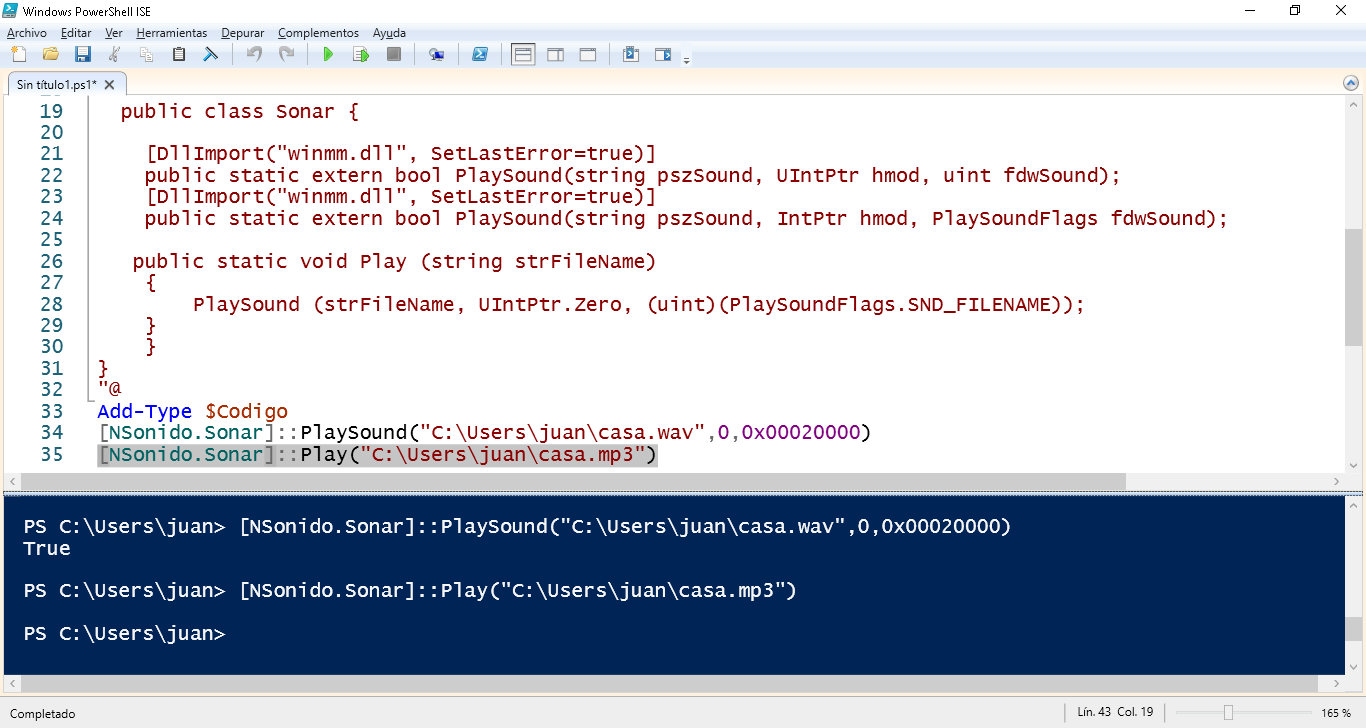
[NSonido.Sonar]::PlaySound("C:\Users\juan\casa.wav",0,0x00020000)
[NSonido.Sonar]::Play("C:\Users\juan\casa.mp3")